


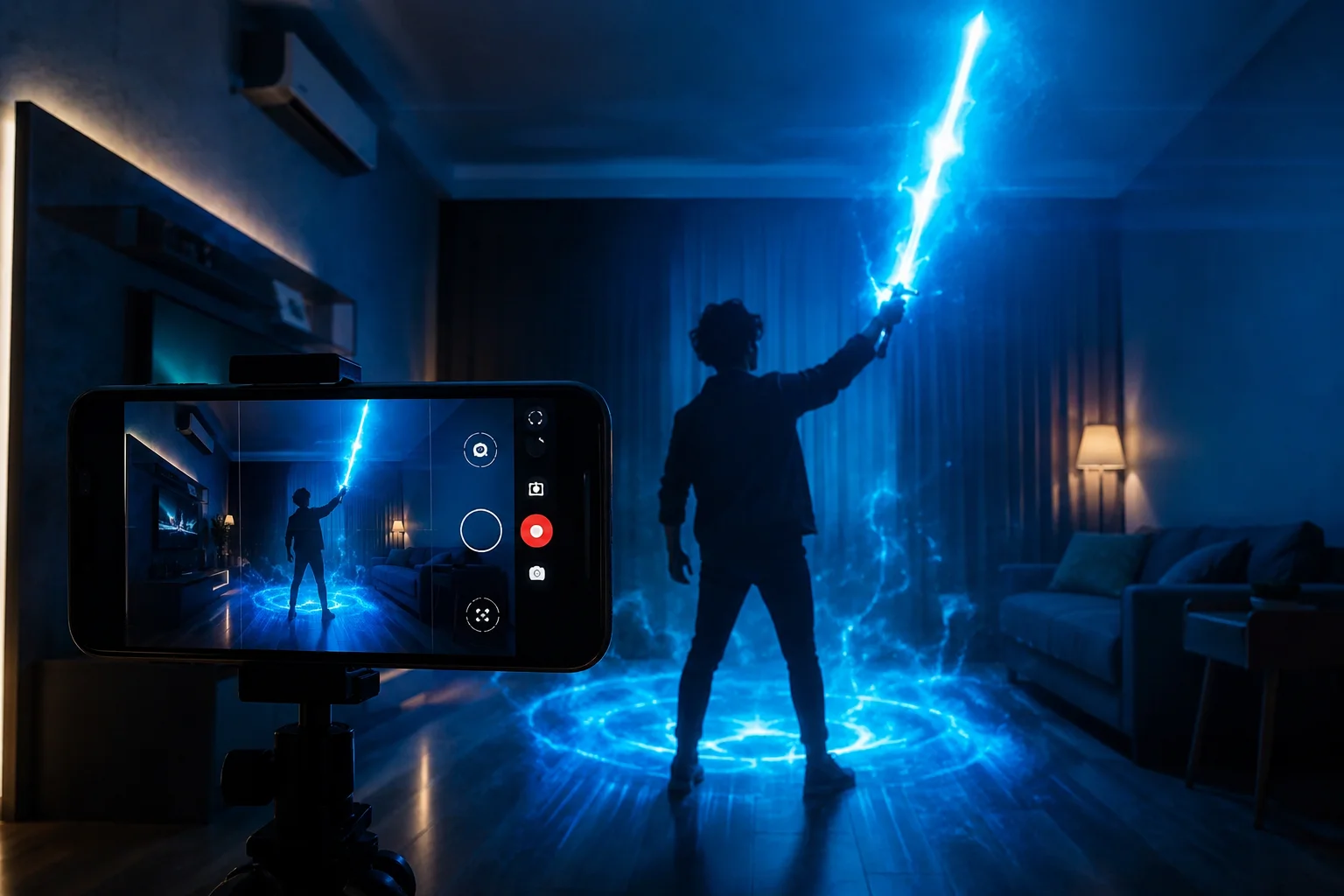
There’s a specific moment almost every fan remembers. You point your phone at your own hand, tap a button, and suddenly there’s a glowing blade where your fist used to be. That’s the whole appeal of the Star Wars Movie FX Maker app in one sentence. A boring living room clip turns into something that could pass for a deleted scene.

But here’s the thing most people never realize — the app you download from the store is only half of it. There’s a second layer sitting underneath, locked away, and you only get to it if you know what code to type in. That’s really what this Star Wars Movie FX Maker Codes Guide is about.
So let’s actually get into it. What the app is. What these codes do. Where fans have been pulling them from for years. How you enter them without messing it up. And, honestly, what’s still working in 2026 — because a lot of what’s online right now isn’t telling you the full story.
Where the App Actually Came From
People assume the Star Wars Movie FX Maker app was some indie side project. It wasn’t. Hasbro built it, called it Star Wars Studio FX, and tied it directly to their toy line. The whole point was letting kids (and let’s be honest, plenty of adults too) film their action figures and add real movie-style effects on top without owning a single piece of editing software.
Record a clip, drop in a lightsaber that follows your arm, throw in blaster fire timed to your hand, add a Force push that reacts when you shove your palm forward. That was the pitch. No skills needed. No software. Just a phone and whatever scene you had in your head.
Downloads always spiked around Star Wars Day — May 4th, obviously — and again whenever a new movie or show was about to drop. New content usually followed those dates too, which kept people checking back.
So What Exactly Is a Code Here?
Picture a locked drawer inside the app. That’s basically what a code opens. Not everything is available the moment you install it — certain lightsaber colors, sound packs, character overlays, all of that stays hidden until you punch in the right sequence. It’s a pretty normal setup for apps tied to toys, since it gives collectors an actual reason to keep buying figures and keep coming back to the app.
There are three types floating around, and they’re not interchangeable.
Alphanumeric codes are the ones you’d expect — a short mix of letters and numbers typed straight into a settings screen or an unlock menu.
QR pattern codes were printed right on the box of Hasbro figures and playsets. Scan it with the in-app scanner and whatever it unlocks just… shows up.
Plugin values are a bit more niche, honestly not something the average casual user ever touches. These get plugged into tools like the Saber Plugin, where fans doing more serious editing adjust blade glow, flicker, and color depth for a cleaner final result.
None of it requires any real technical skill, to be clear. You’re not hacking the app. You’re just handing it a value it’s already programmed to recognize.
How You’re Supposed to Enter One
The process itself is short, but a couple of small things trip people up constantly.
Open the app, make sure you’re actually logged into your account (people skip this and wonder why nothing works), then head into settings — sometimes it’s under a promotions tab, sometimes it’s literally labeled “unlock,” depends on the version you’ve got. Type the alphanumeric code exactly as it’s written, or scan the QR straight off the packaging. Hit confirm and wait for the checkmark. If it goes through, the content lands in your library right away, ready for your next recording.
Case sensitivity is the killer here. One letter typed as a capital when it should’ve been lowercase, and the whole thing gets rejected — even if everything else is perfect.
Let’s Be Honest About Where Things Stand in 2026
A lot of guides skip right past this part, so let’s not. The official Hasbro Star Wars Studio FX app is gone from official app stores. Not a rumor, not some leaked internal memo — it’s just what happens to a promo app once the marketing budget behind it dries up. Nothing unusual about it.
That doesn’t mean it’s dead though. There’s still a small but genuinely committed fan base keeping the whole thing alive on their own. Archived copies of the app get passed around. Old QR images and alphanumeric codes pulled from years’ worth of packaging still circulate on forums. So if you’re trying this in 2026, you’re most likely dealing with one of a few situations.
Either you’re running an archived APK instead of a store download, or you’re using codes some fan community saved rather than anything Disney or Hasbro is actively issuing, or — most likely — a mix of both, where half the codes still fire and the other half just sit there doing nothing because whatever server used to check them got shut off years back.
If a website is promising you a fresh, guaranteed, definitely-working list of codes right now, be a little skeptical. Stick with communities that have actually been around a while, both for the app file itself and for the code lists. Random download links from nowhere are exactly how people end up with something worse than a missing lightsaber effect on their phone.
Where These Codes Came From in the First Place
Knowing the origin actually explains a lot about why some codes still work and others are just dead weight.
Toy packaging was the main source, hands down. Hasbro figures tied to big movie releases usually had a code buried somewhere in the box. Special dates mattered too — Disney and Hasbro liked dropping bonus codes around Star Wars Day or right before a premiere. Sometimes retail partners bundled a code in with unrelated merchandise as a little extra. And every once in a while the developers themselves would just toss a code out on social media, almost like a thank-you to whoever was still actively using the app.
Since basically all of this was tied to a specific product run or a short window of time, it’s not surprising that a chunk of these codes eventually just stopped working once that window closed.
Mistakes People Keep Making
Honestly, most of the frustration around this topic comes down to the same handful of avoidable errors.
People grab codes off old blog posts without ever checking the date it was posted — a code from three years ago has almost no shot of still being live. Some skip app updates entirely, and an outdated build will quietly reject codes meant for a newer version, no clear error, just… nothing happens. Others type codes from memory instead of copying the exact string, and one wrong character is enough to break it. And a lot of people never even consider that a code might be region-locked before deciding it’s just broken.
Fix those habits and you’ll clear up most of the “why won’t this code work” confusion on your own.
If a Code Still Won’t Work
Run through this before you give up on it entirely.
Check the case of every single letter first — this alone fixes more problems than anything else on this list. Update the app before trying again, since older versions sometimes reject codes built for something newer. Make sure it hasn’t expired, since most of these were tied to a limited window to begin with. Check for regional locks too, because plenty of codes only ever worked in certain countries. Type it manually instead of pasting it, since a paste sometimes drags along invisible characters you’d never notice. And look for a more recently updated fan archive — these lists get refreshed as people confirm which codes are dead and which new ones surface.
If you’ve gone through all of that and it’s still not working, it’s probably retired for good, along with whatever used to verify it.
Making the Effects Actually Look Good
Unlocking something new is honestly the easy part. Making it look convincing on camera takes a little more effort.
Film with decent lighting — motion-tracked effects like lightsabers and blaster fire need to actually read your movement clearly, and bad lighting throws that off fast. Keep the phone as steady as you can; even a cheap tripod makes a bigger difference than you’d expect compared to holding it in your hand. Test each new effect on its own before you try stacking a few together in one clip, just so you know how each one behaves first. And get your sound timing right — a lightsaber ignite sound that lands exactly when the blade appears sells the whole thing way better than tossing it in after the fact.
A Couple of Ideas Worth Trying
Once you’ve got a few effects unlocked, don’t just default to another lightsaber duel every time. Try a quieter character moment using nothing but a sound pack and a still shot. Try cutting together a short mock trailer using a handful of different effects instead of one long unbroken clip. Fans who take even a minute to plan the shot before hitting record almost always end up with something that looks noticeably more polished than someone just winging it in the moment.
Frequently Asked Questions
Is the Star Wars Movie FX Maker app still on official app stores?
No, it’s been pulled. Archived copies are still floating around in fan communities though.
Do you have to pay for these codes?
No — every legitimate code was a promotional freebie, never a paid unlock.
Can you reuse the same code twice?
Not usually. Most were built for one use per account or install.
Do all the old codes still work in 2026?
Not all of them. Some archived ones still fire just fine, but a good chunk have expired since nobody’s maintaining the servers that used to check them.
Is it safe to grab the app from some random website?
Only if it’s a genuinely trusted, long-running fan community. Skip unknown APK links — that’s how you end up with more than you bargained for.
Final Thoughts
This whole Star Wars Movie FX Maker Codes Guide really comes down to one thing — a small fan tool that outlived its own official support because a community of people simply refused to let it die. Maybe you’re after one specific lightsaber color you remember from a toy commercial. Maybe it’s a sound effect from childhood. Or maybe you just want to turn your living room into a Jedi training ground for an afternoon, no real reason needed.
Either way, knowing how these codes actually work — and being honest about where things stand right now — saves you from wasting an evening chasing links that go nowhere. For any Star Wars fan looking for a low-effort way to bring a little real movie magic into a home video, this app, official or archived, is still one of the more creative options out there.